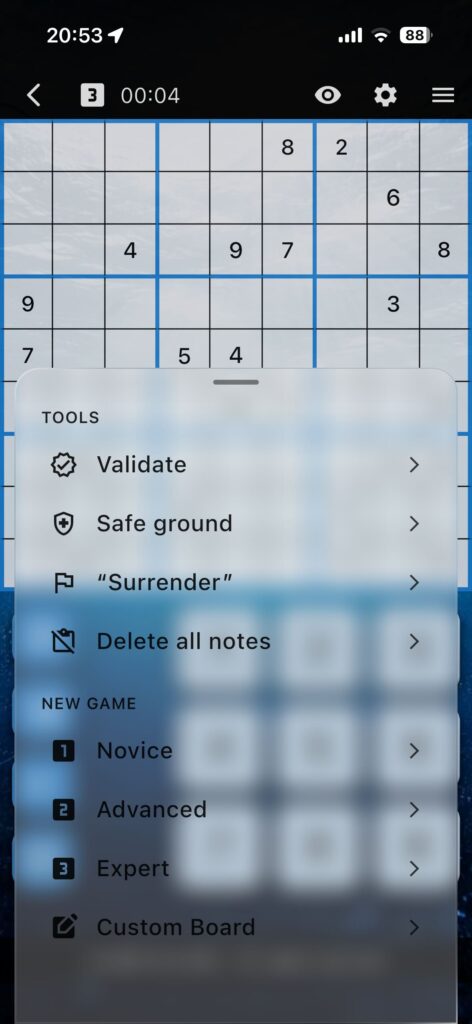
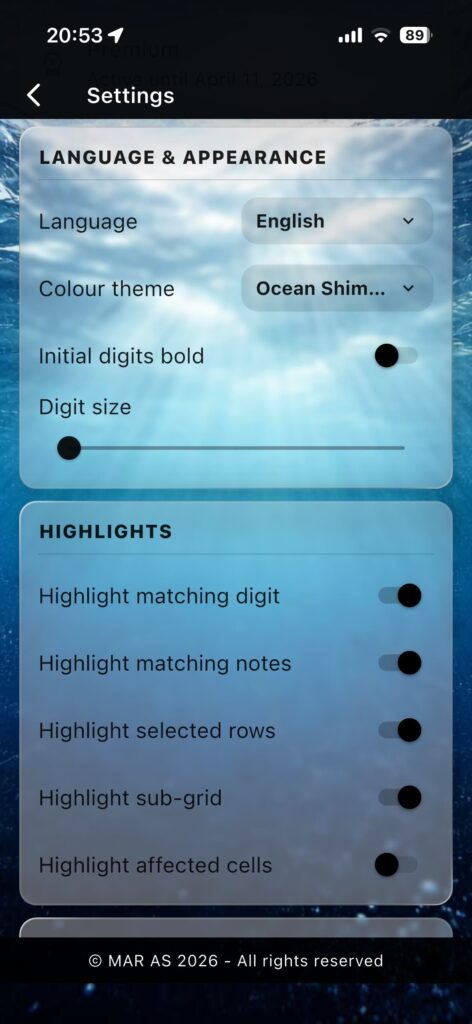
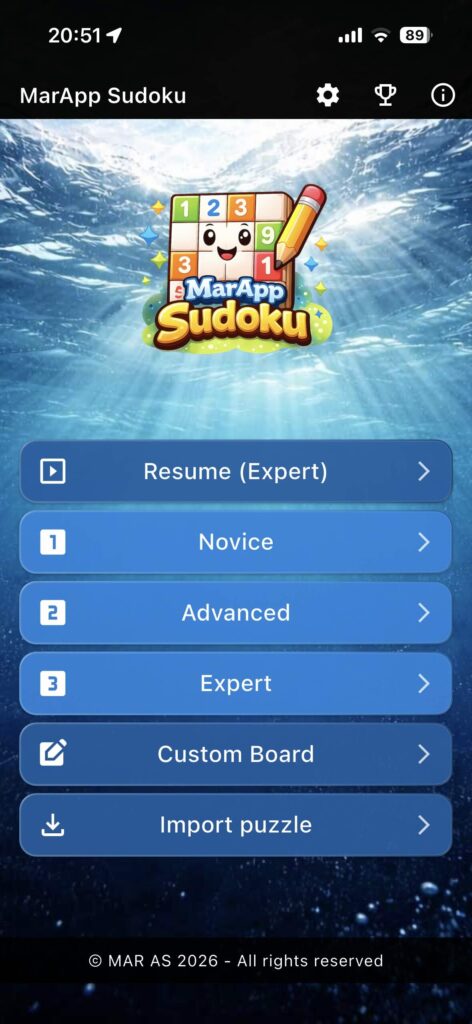
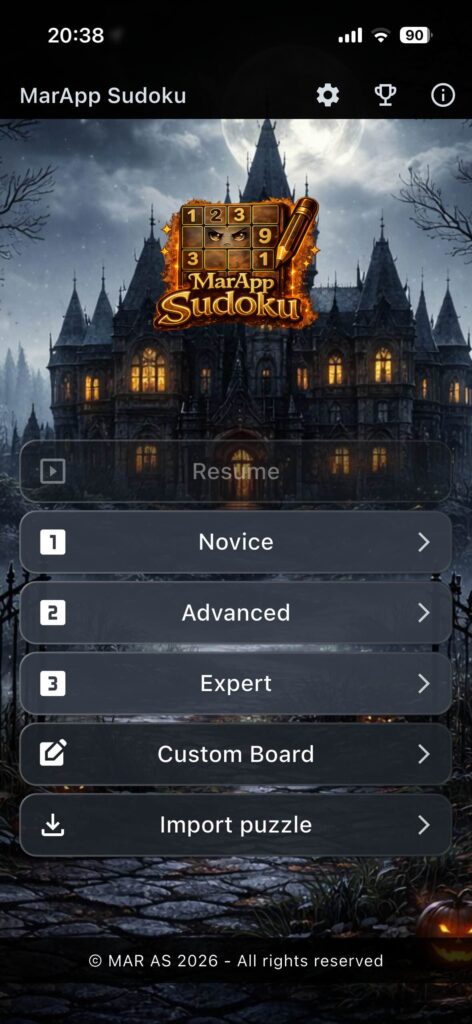
Beautiful themes
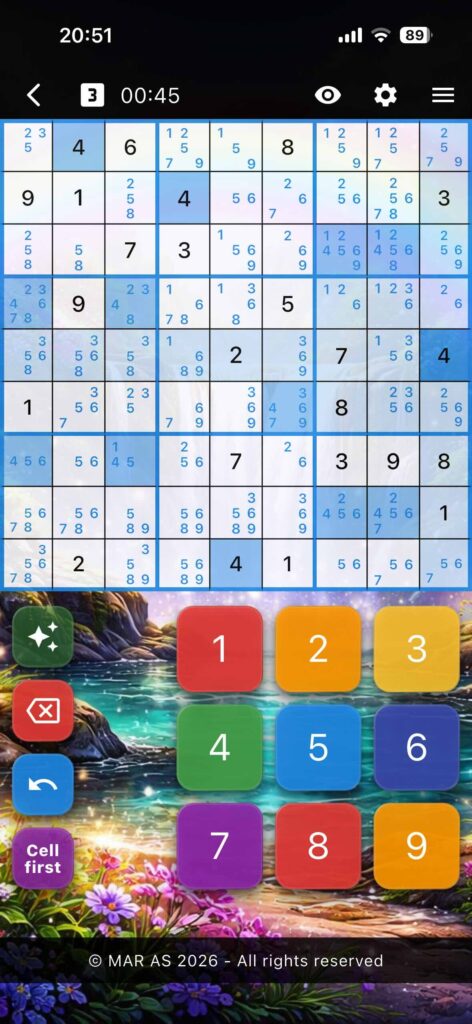
Choose a visual style that fits your mood, from calm and classic to bold and colourful.


MarApp Sudoku keeps the game familiar: a clear board, simple controls, and helpful tools available when you want them.
Play casually, work through harder puzzles, or add your own boards. Choose a theme that fits your mood, from calm to colourful. Free play includes the basics, while Premium unlocks unlimited games, Expert difficulty, extra themes, auto-notes, Safe Ground, and Surrender — a step-by-step helper when you want to understand the next logical move.
Here are some reasons
Choose a visual style that fits your mood, from calm and classic to bold and colourful.
Use manual notes, hide or show notes, or let Premium auto-notes help you think ahead.
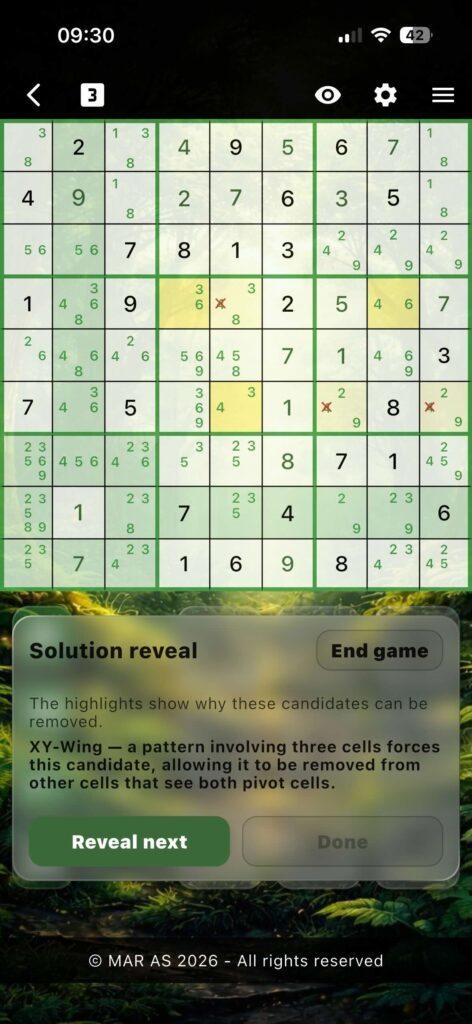
Surrender reveals the solution step by step, helping you understand the logic.
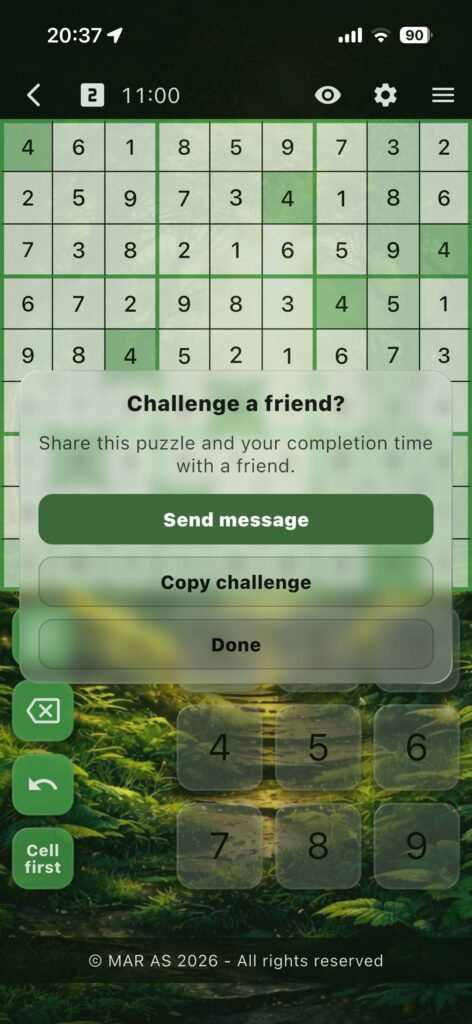
Share the same puzzle and your completion time, then see who solves it faster.
No account required, no tracking, and your game data stays on your device.
Designed for players who enjoy solving with reason, not guessing.
Save favorite puzzles, organize challenges, and replay them later as fresh games.
Choose the version that fits how you like to play
| Feature | Free | Premium |
|---|---|---|
| New games | 10 per week | Unlimited |
| Difficulty levels | Novice, Advanced | Novice, Advanced, Expert |
| Themes | Ocean | Ocean + 4 extra themes |
| Manual notes | Included | Included |
| Highlighting tools | Included | Included |
| Hide / show all notes | Included | Included |
| Challenge friends | Included | Included |
| Custom puzzles | — | Included |
| Auto-notes | — | Included |
| Safe ground | — | Included |
| Surrender | — | Step-by-step explanations |
| Sudoku Library | — | Full sudoku library functionality |
Quick answers about MarApp Sudoku
To deselect a cell, tap the selected cell once more. You can also tap outside the Sudoku grid to clear the active selection.
Yes. Messages shown during the game can usually be dismissed by tapping them. This lets you continue playing without waiting for the message timer to finish.
In Cell first mode, you select a cell first and then choose a number. In Digit first mode, you choose a number from the keypad first and then tap the cells where you want to place it.
Digit first is often faster for placing the same number several times, while Cell first is often faster when placing different numbers.
You can use the mode that feels most natural to you and it is easy to toggle between these two modes while playing.
Surrender gives you guided help when you are stuck. Instead of simply revealing the answer, it walks you through the logic needed to solve the rest of the puzzle so you can improve your Sudoku solving skills.
» You may find an in-depth guide to all techniques used by Surrender here: Learn Sudoku Techniques – MarApp Guide
After you complete a game, MarApp Sudoku can generate a challenge message and code for you to share directly with a friend. The recipient can import the code into MarApp Sudoku to play the same puzzle. The challenge code includes puzzle information and a target time, so others can try to beat your result.
Challenges are private — they go straight from you to the recipient using your own messaging or sharing apps (sms, Messenger, WhatsApp, e-mail, social media, etc.), not through MarApp.
Premium unlocks more ways to play, including unlimited games, Expert difficulty, custom puzzle creation, additional themes, Auto-notes, note visibility tools, Sudoku Library for saving and replaying puzzles, and guided help with Surrender.
Sudoku Library is a Premium feature that lets you save puzzles you want to keep, replay them later, mark favorites, add notes, and share saved puzzles as challenges. It can be used to keep track of favorite puzzles, save challenges before they get lost, or build your own practice collection.
Your Sudoku Library is stored locally on your device. No account or server is required, and your saved puzzles do not leave your device.
To help protect your saved puzzles if your device is lost, damaged, or replaced, make sure your phone or tablet is included in your normal device backup.
With Premium you get everything in features above, plus: